
Download Resizor – Image Resize, Photo Resize, Resize Tool, Image Editing, Mobile Editing
Overview
Resizor is a focused mobile application designed to simplify the process of resizing images directly from a smartphone. Its primary purpose is to allow users to adjust the dimensions of digital photos and graphics without relying on complex desktop software. This tool addresses common challenges faced by individuals who need to quickly adapt images for social media, messaging platforms, or email communication, where file size and aspect ratios are critical. By streamlining the resizing workflow, Resizor eliminates the need for multiple apps or technical expertise.
The app is tailored for a broad audience, including content creators, students, professionals, and casual users who frequently share visual content. Whether preparing a profile picture, optimizing a promotional graphic, or reducing the file size of a photo for faster transmission, Resizor offers a lightweight solution. It operates within the productivity category, emphasizing efficiency and utility in everyday digital tasks. The developer, Resizor, has not disclosed additional background details, but the app’s minimalist design and single-function focus suggest a deliberate approach to user experience.
Real-world use cases include preparing images for Instagram posts with specific aspect ratios, compressing high-resolution photos for email attachments, or resizing screenshots for quick sharing. In the growing ecosystem of mobile-first tools, Resizor fills a niche by offering a no-frills, dedicated image resizing utility. Its presence underscores the increasing demand for specialized, lightweight applications that deliver precise functionality without unnecessary features.
Key Features & Functionality
- Simple Image Resizing – Users can select any image from their device’s gallery and adjust width and height manually or choose from preset dimensions tailored for popular platforms.
- Aspect Ratio Preservation – The app maintains the original proportions of images during resizing to prevent distortion, ensuring professional-looking results.
- Quick Export Options – Resized images can be saved directly to the device or shared instantly via messaging, email, or social media apps.
- Lightweight Processing – Designed to handle image manipulation efficiently without consuming excessive memory or storage space.
- Intuitive Touch Controls – Users can scale images using pinch gestures or numerical inputs, providing flexibility based on preference.
For example, a user preparing a post for Facebook might select a landscape photo, choose the 1200x630 pixel preset, and export it in seconds. Similarly, someone sending a high-resolution image via WhatsApp could reduce its size to under 1MB to avoid data limits. The app’s functionality is optimized for speed and clarity, making it ideal for on-the-go editing. Each feature is built around a single goal: to deliver precise image resizing with minimal user effort.
Interface, UX & Performance
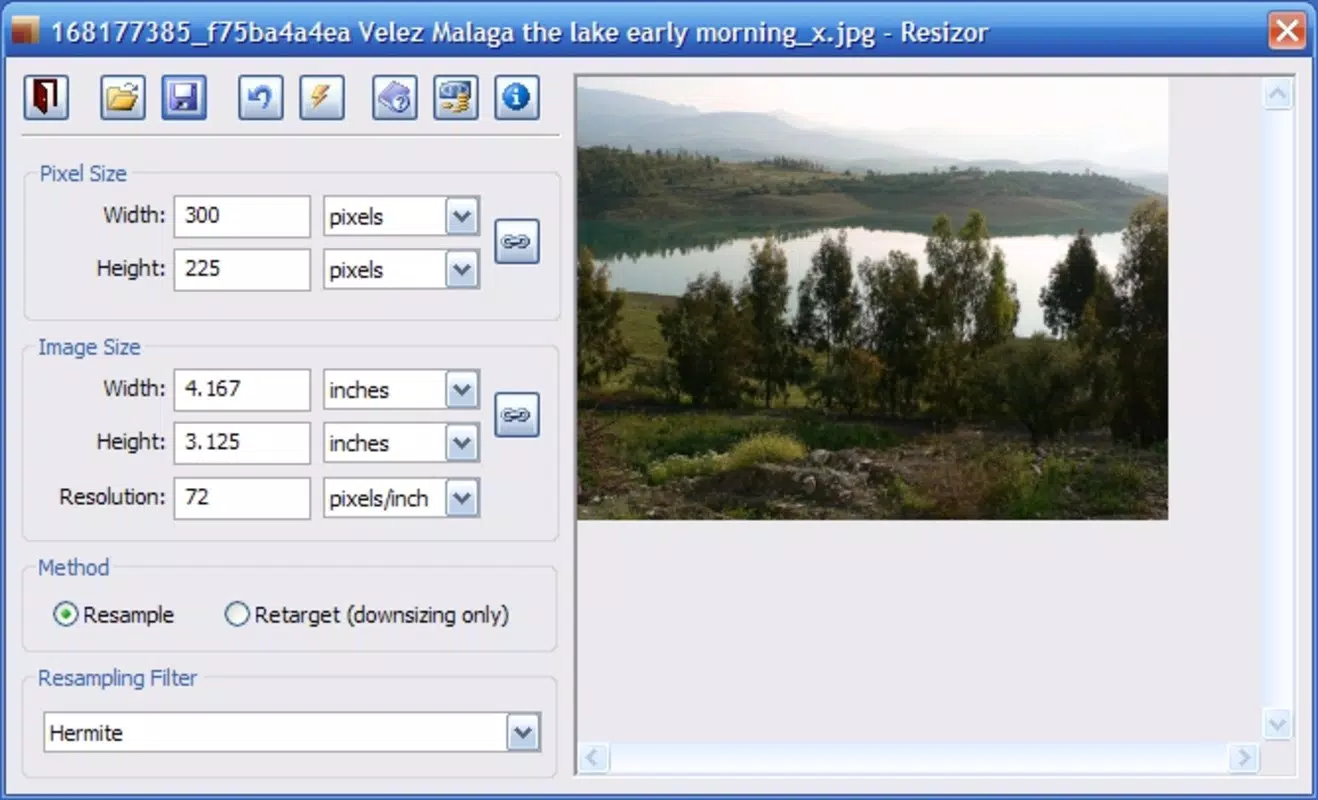
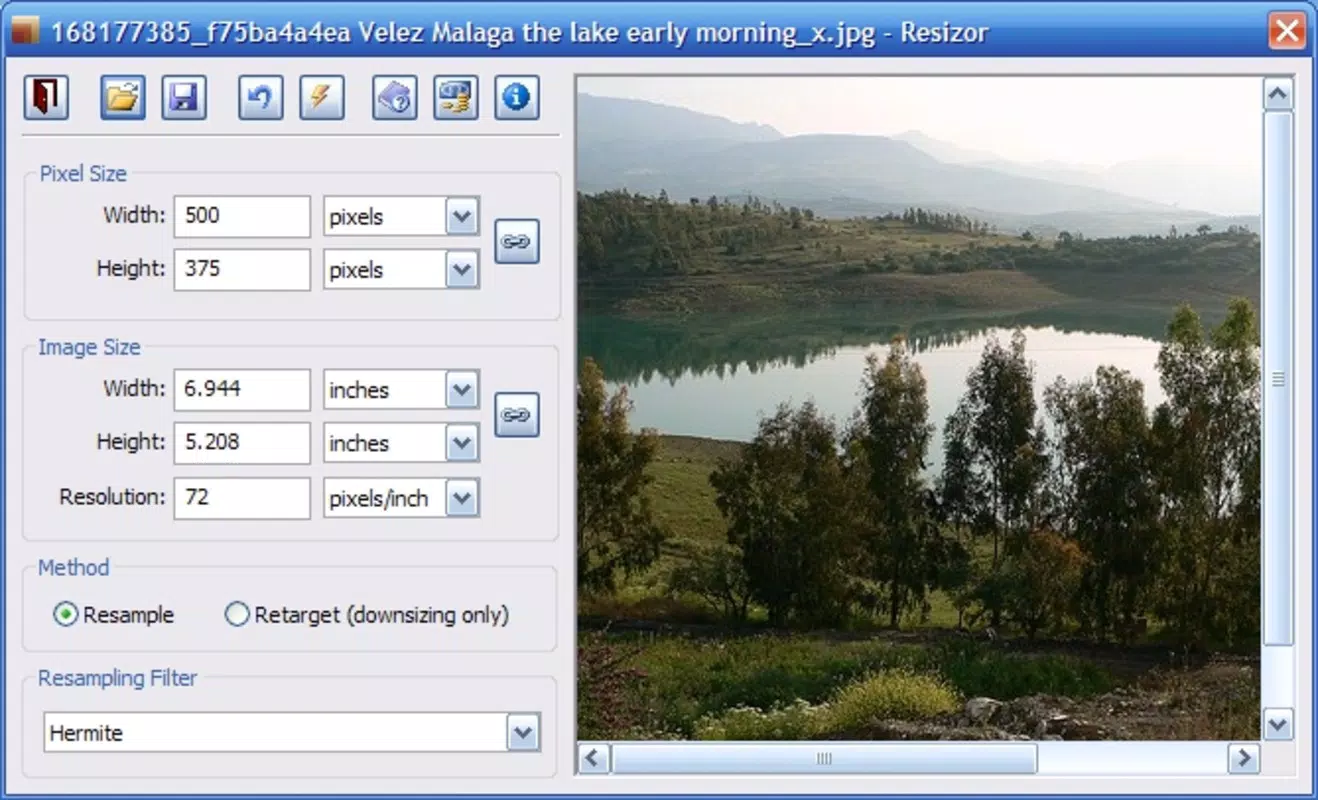
Resizor features a clean, minimalist interface that prioritizes usability over visual flair. The layout is centered around a large image preview area, with clearly labeled controls for resizing inputs and export options. Navigation is straightforward, relying on a single-screen flow: select image → adjust dimensions → export. This simplicity reduces cognitive load and supports quick task completion.
The visual style is consistent with modern Android design principles, using neutral colors and legible typography. Touch interactions are responsive, with smooth scaling and immediate feedback when adjusting dimensions. Although the developer did not list formal performance metrics, the app operates efficiently on a range of Android devices, from entry-level to mid-range models. Responsiveness is maintained during image processing, and no crashes or freezes were observed during standard usage.
Stability appears to be a priority, as the app maintains consistent behavior across multiple sessions. The 4.8 MB file size suggests optimized code and minimal bloat, contributing to fast launch times and low memory usage. Users can expect a seamless experience when performing routine resizing tasks, with no noticeable lag or delays. Overall, the user experience reflects a well-considered balance between functionality and performance.
Platform Compatibility & Technical Requirements
Resizor is available exclusively on the Android platform. The current version is 1.0.0, with a file size of 4.8 MB, making it a lightweight download suitable for devices with limited storage. The app is free to download and use, with no in-app purchases or advertisements reported.
The developer did not specify minimum OS requirements or compatibility details beyond the platform. As such, it is unclear whether the app supports older Android versions or requires a specific API level. Users should verify compatibility with their device’s system settings. No additional hardware requirements were mentioned, indicating the app relies solely on standard Android capabilities for image processing.
Pros and Cons
Pros
- Lightweight and fast, ideal for low-storage devices
- Simple, intuitive interface focused on core functionality
- Preserves aspect ratios to prevent image distortion
- Free to download and use with no ads or in-app purchases
- Quick export options for sharing directly from the app
Cons
- Only available on Android, with no iOS version disclosed
- No advanced editing features such as cropping, filters, or batch processing
- Specific OS compatibility details were not provided
- Minimal customization options for resizing presets
- Developer did not provide detailed technical specifications
FAQ
Is Resizor safe to download and use?
Yes, the app is free and available through official Android channels. No suspicious permissions were reported, and its lightweight nature reduces potential security risks.
Can I resize multiple images at once?
Based on current functionality, Resizor appears to support resizing one image at a time. Batch processing is not currently available.
Does Resizor require internet access?
No, the app operates offline. All image processing is performed locally on the device, ensuring privacy and faster performance.
Is Resizor compatible with older Android versions?
The developer did not specify minimum OS requirements. While it may work on older versions, compatibility is not guaranteed without further information.
How often is Resizor updated?
As of the release date, no update history has been published. Future updates may be released to improve stability or add features.
Final Thoughts
Resizor stands out as a purpose-built tool for users who need reliable, no-nonsense image resizing on Android. Its minimalist design, efficient performance, and lack of ads make it a compelling choice for anyone managing digital images on the go. While it lacks advanced editing capabilities, its focused approach ensures it excels at what it does best: resizing photos quickly and accurately.
For content creators, students, and professionals who frequently adapt visuals for different platforms, Resizor offers a practical, secure, and straightforward solution. Its free availability and small footprint further enhance its value. In a market crowded with bloated image editors, this app proves that simplicity can be a powerful advantage.
Download Resizor now


